About
The About window displays key information about the Add-In.
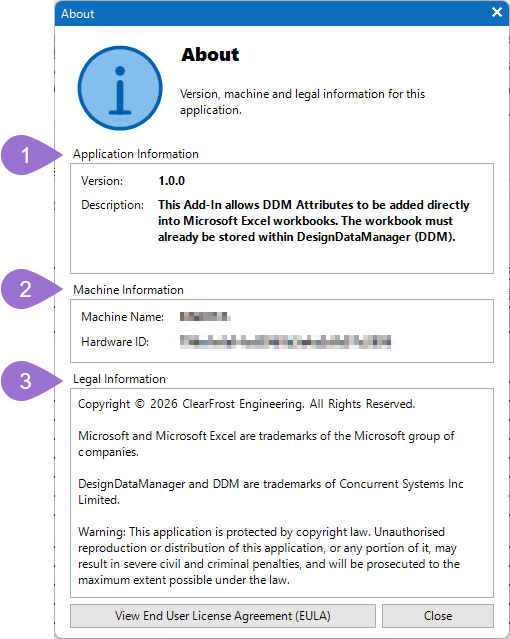
There are three sections to this screen:
- Application Information
- Hardware Information
- Legal Information
At the bottom of the screen you can also find a button to View End User License Agreement (EULA) for the software.
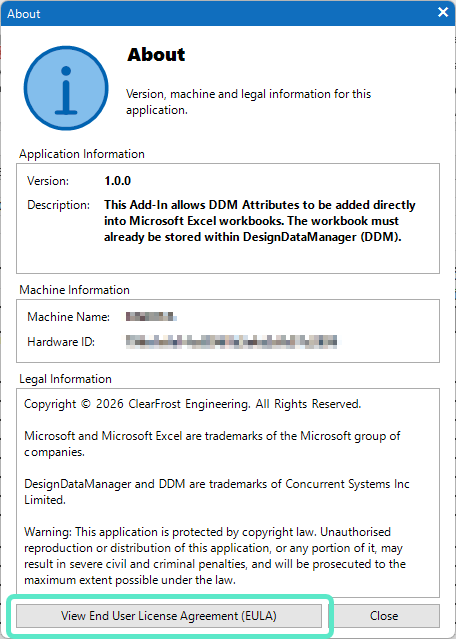
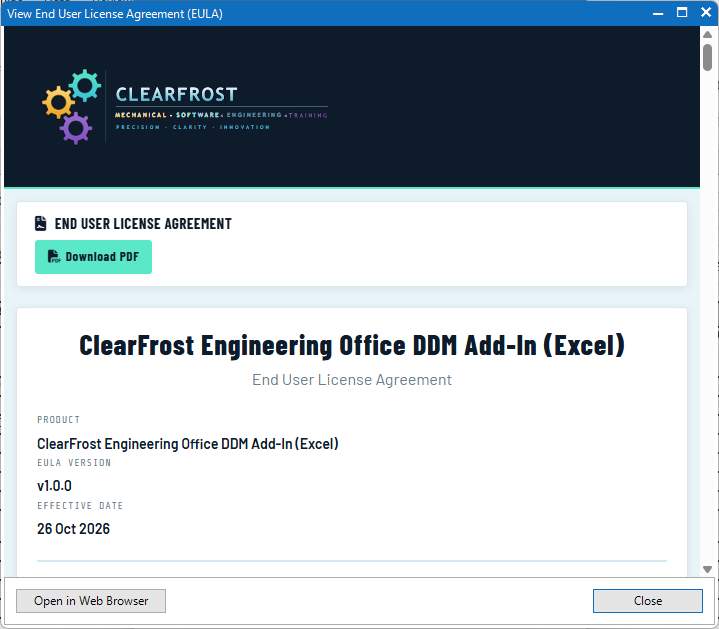
Clicking this then displays the EULA in a separate window where you are able to download it, or view it in a web browser if you wish.
Application Information
This section shows basic information on the Add-In a Version Number and also a brief description of that Add-In.
Hardware Information
This section displays the name of the computer aswell as its Hardware ID. The Hardware ID is a unique value that is calculated based on the different hardware that is installed in the computer. It is what is used to link the license key to the computer and may be required by the support team.
Legal Information
This section displays all the relevant legal information regarding the software and its copyright.